





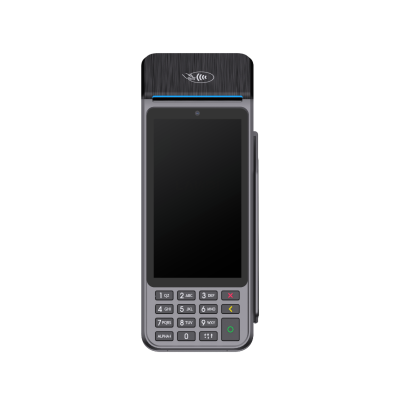
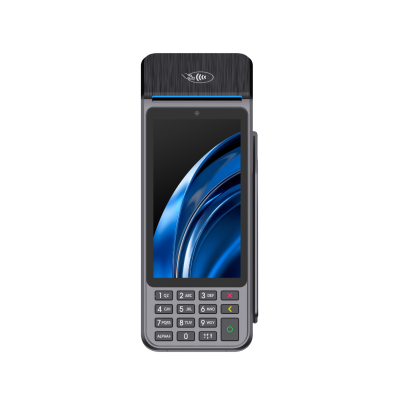
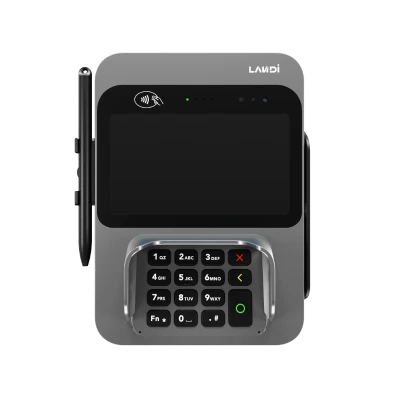
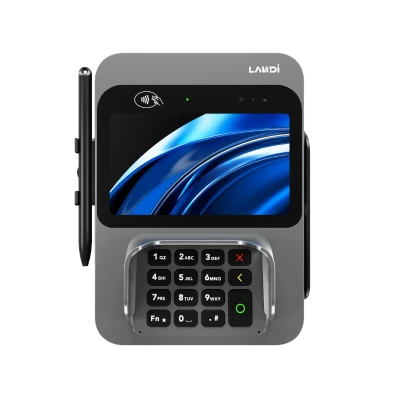
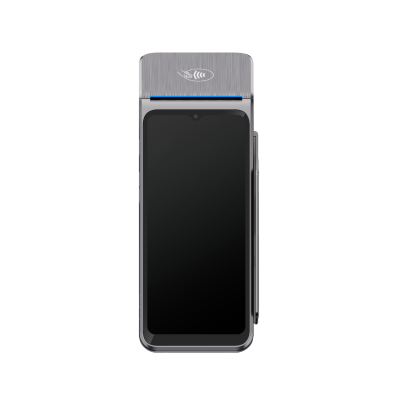
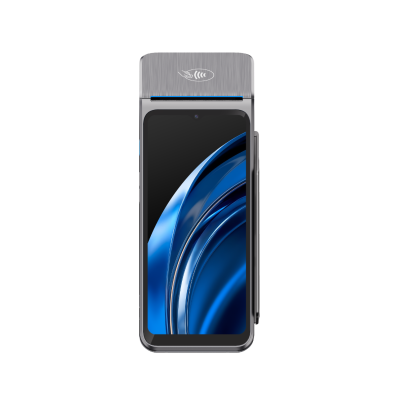
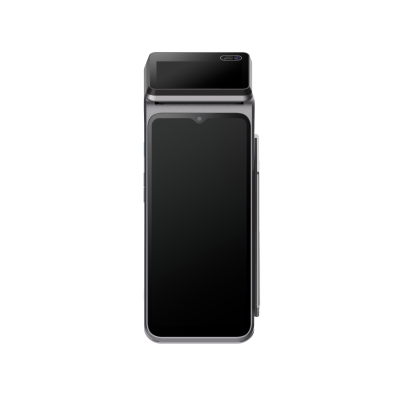
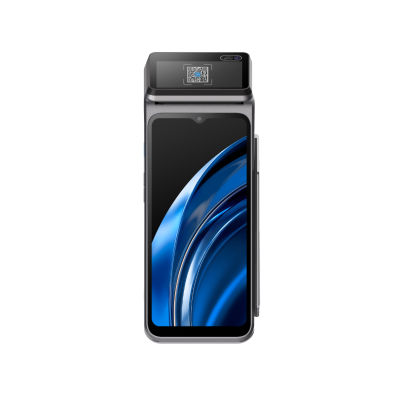










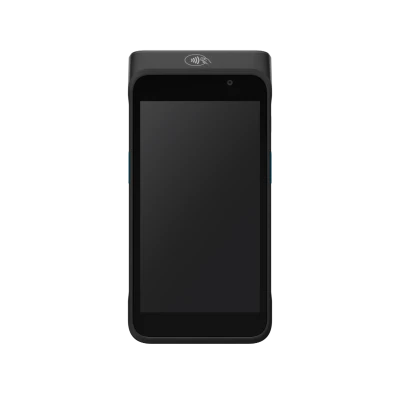
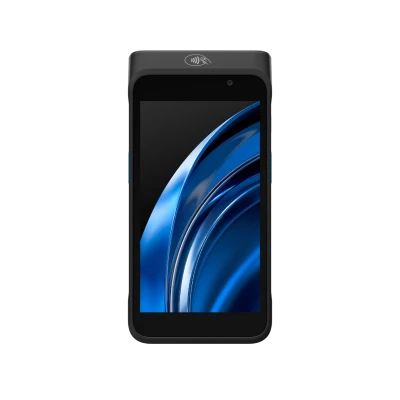
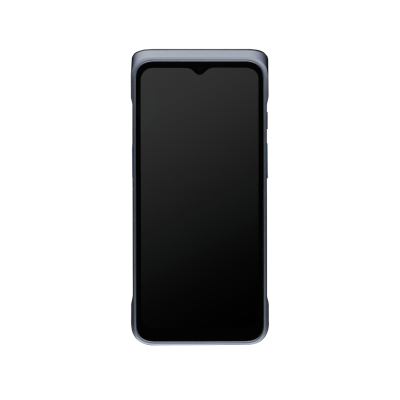
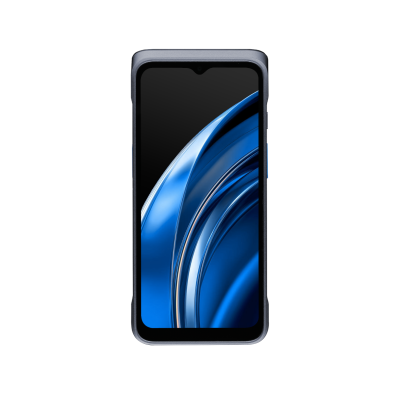















LANDI Connect RKI Overview
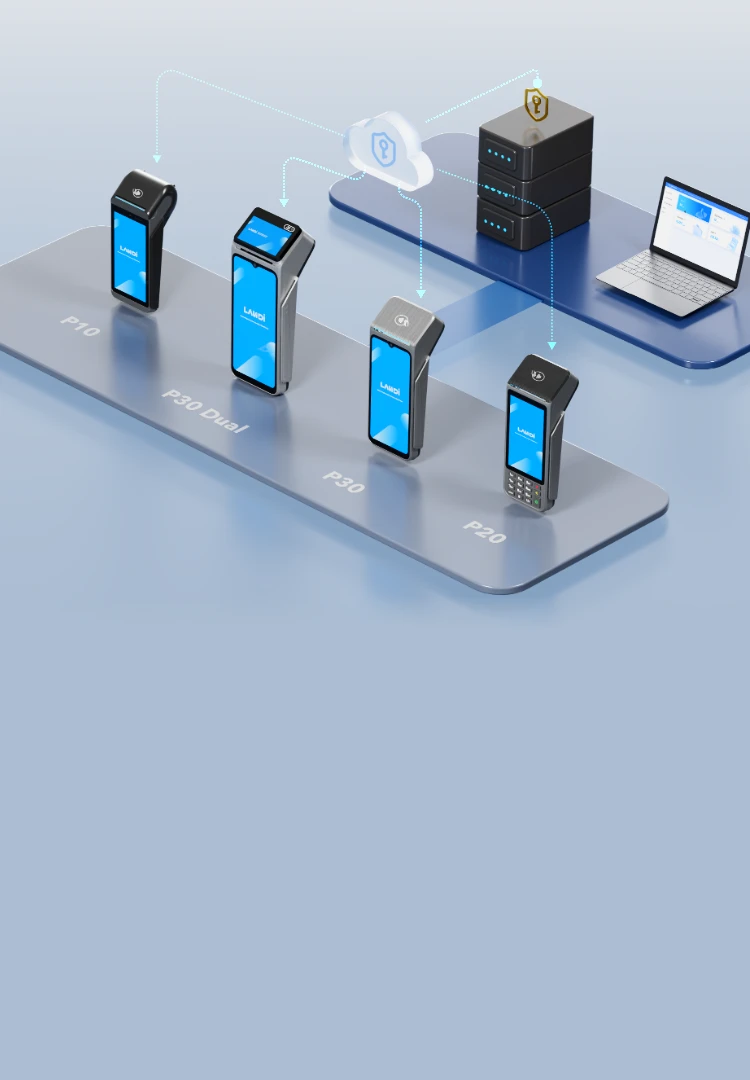
LANDI Connect RKI is a PCI-certified, secure and reliable Remote Key Injection (RKI) system to inject cryptographic keys into payment terminals over the internet. This remote approach offers greater convenience and scalability than traditional Local Key Injection (LKI), enabling rapid, cost-effective deployment across large fleets of devices. It supports both DUKPT and MKSK key management schemes, with mutual authentication, self-service key import, and a manufacturer-agnostic design.
Key Features & Benefits
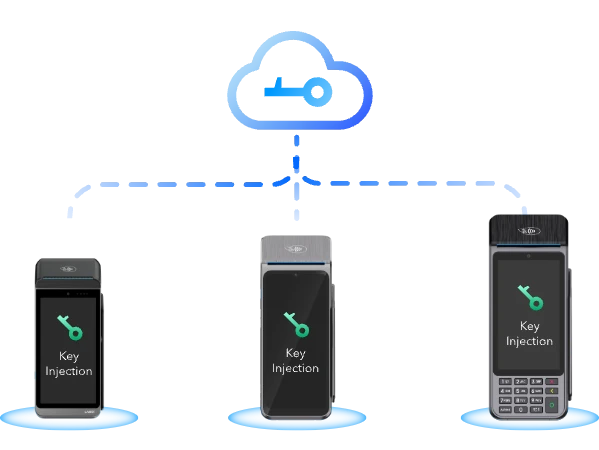
Remote Key Injection via
Secure Channel
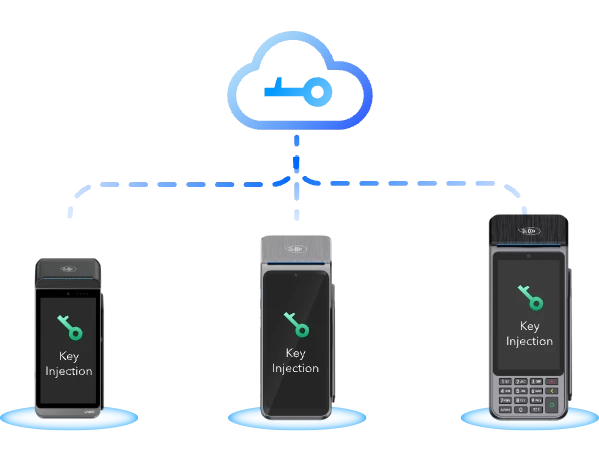
LANDI RKI establishes a secure and trusted communication channel using mutual authentication between the terminal device and the backend system, ensuring safe key delivery over the open internet.
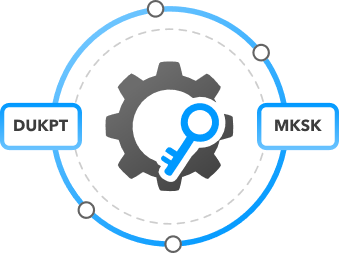
Support for
Multiple Key Schemes
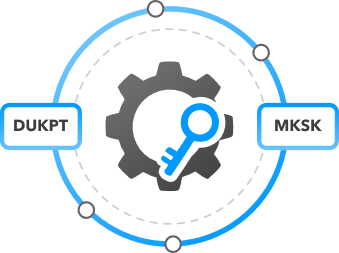
It is compatible with various key management schemes, including DUKPT (Derived Unique Key Per Transaction) and MKSK (Master Key / Session Key).
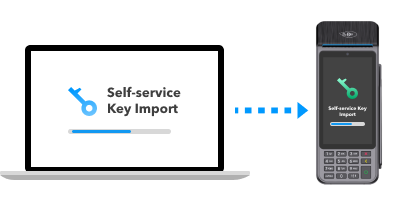
Self-service Key Import
Keys can be securely imported by uploading ciphered printouts generated by a Key Gathering Device (KGD) through a self-service portal.
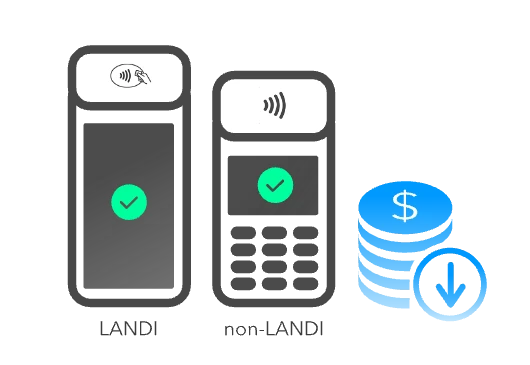
Manufacturer Agnostic
Designed to be manufacturer-agnostic, it enables support for non-LANDI devices with minimum effort.
LANDI RKI vs. Traditional LKI
LANDI RKI

Remote Deployment
Keys can be injected remotely from anywhere.

Fast Time-to-Market
Keys are provisioned after deployment.

Lower Operational Costs
Eliminates the need for manual handling, shipping,
and dedicated equipment.
and dedicated equipment.

Secure Communication
Establishes a secure, authenticated channel.

Key Update Flexibility
Allows for periodic or emergency key updates
without recalling devices.
without recalling devices.
Traditional LKI

Physical Deployment
Devices must be physically delivered to a secure facility.

Slow Provisioning
Logistics and facility scheduling add delays.

Higher Costs
Involves manual processes, shipping,
and warehousing.
and warehousing.

Transport Risk
Physical handling increases the risk of exposure
during transportation.
during transportation.

Manual Key Updates
Requires physical access to the device.
How LANDI RKI Works

Import Keys
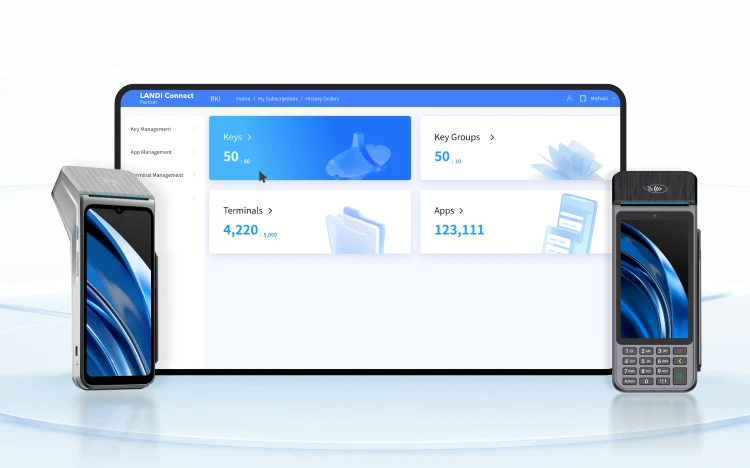
Use a Key Gathering Device (KGD) provisioned exclusively for you to securely collect keys. Upload the QR code printed from the KGD to the RKI portal to import the key.

Set Up Apps & Key Groups
Create a Key Injection App (KIA) for the app that receives keys on the terminal. Then, create a Key Group to hold the keys to be injected and associate it with the corresponding app.

Whitelist Terminals
Only Whitelisted terminals can receive keys. Import the terminal list with their serial numbers to RKI to whitelist them.

Inject Keys to Terminals
When a KIA running on a whitelisted terminal requests keys, RKI injects the keys from the associated Key Group into the terminal.
LANDI Connect RKI Overview
LANDI RKI is a PCI-certified, secure and reliable Remote Key Injection (RKI) system to inject cryptographic keys into payment terminals over the internet. This remote approach offers greater convenience and scalability than traditional Local Key Injection (LKI), enabling rapid, cost-effective deployment across large fleets of devices. It supports both DUKPT and MKSK key management schemes, with mutual authentication, self-service key import, and a manufacturer-agnostic design.
Key Features & Benefits
Remote Key Injection via
Secure Channel
LANDI RKI establishes a secure and trusted communication channel using mutual authentication between the terminal device and the backend system, ensuring safe key delivery over the open internet.
Support for
Multiple Key Schemes
It is compatible with various key management schemes, including DUKPT (Derived Unique Key Per Transaction) and MKSK (Master Key / Session Key).
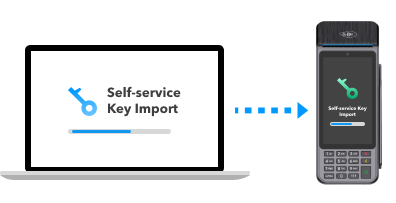
Self-service Key Import
Keys can be securely imported by uploading ciphered printouts generated by a Key Gathering Device (KGD) through a self-service portal.
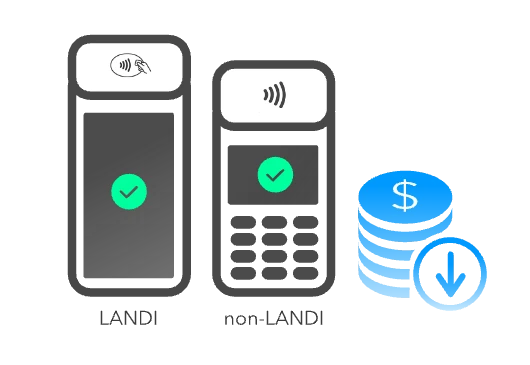
Manufacturer Agnostic
Designed to be manufacturer-agnostic, it enables support for non-LANDI devices with minimum effort.
LANDI RKI vs.
Traditional LKI
LANDI RKI

Remote Deployment
Keys can be injected remotely from anywhere.

Fast Time-to-Market
Keys are provisioned after deployment

Lower Operational Costs
Eliminates the need for manual handling, shipping,
and dedicated equipment.
and dedicated equipment.

Secure Communication
Establishes a secure, authenticated channel.

Key Update Flexibility
Allows for periodic or emergency key updates
without recalling devices.
without recalling devices.
Traditional LKI

Physical Deployment
Devices must be physically delivered to a secure facility

Slow Provisioning
Logistics and facility scheduling add delays

Higher Costs
Involves manual processes, shipping,
and warehousing
and warehousing

Transport Risk
Physical handling increases the risk of exposure during transportation

Manual Key Updates
Requires physical access to the device
How LANDI RKI Works

Import Keys
Use a Key Gathering Device (KGD) provisioned exclusively for you to securely collect keys. Upload the QR code printed from the KGD to the RKI portal to import the key.

Set Up Apps & Key Groups
Create a Key Injection App (KIA) for the app that receives keys on the terminal. Then, create a Key Group to hold the keys to be injected and associate it with the corresponding app.

Whitelist Terminals
Only Whitelisted terminals can receive keys. Import the terminal list with their serial numbers to RKI to whitelist them.

Inject Keys to Terminals
When a KIA running on a whitelisted terminal requests keys, RKI injects the keys from the associated Key Group into the terminal.